Junior Tech Program
Not Just the Syllabus. Go Beyond.
Practical, creative and future-focused technology learning for students from Grade 6 onwards. Build digital confidence, explore useful tools, learn coding fundamentals, develop logical thinking and understand how to use technology safely and responsibly.
More Than Knowing How to Use a Computer
Today's children are growing up surrounded by technology. Knowing how to use a device is no longer enough. They need to learn how to create, think, solve problems, communicate and make responsible decisions in the digital world.
Designed for Students From Grade 6 Onwards
The program supports students following different educational pathways and does not require previous coding experience.
Grade 6 Onwards
Activities can be adapted according to age, knowledge and progress.
Local Syllabus
Practical learning that complements school ICT education.
Cambridge / Edexcel
Suitable for students following international curricula.
Complete Beginners
No advanced computer knowledge or coding experience is required.
Practical Skills for Today's Digital World
Each area is taught through age-appropriate guidance, activities and practical examples.
Spreadsheets & Word Processing
Learn how to create and organise documents, format information, understand basic spreadsheet concepts and use common productivity tools effectively for schoolwork and everyday tasks.
Turn Ideas Into Presentations
Students learn how to organise ideas, create clear slides, combine text and visuals, and communicate information in a way that is easy for an audience to understand.
Creative Design With Canva
Explore basic visual design, layouts, typography, images and digital creativity through age-appropriate projects such as posters, educational graphics and presentations.
Gaming & Coding With Scratch
Create simple games, animations and interactive stories while learning programming concepts such as sequences, events, conditions, loops, variables and logic.
Internet Safety & Digital Ethics
Learn about online privacy, strong passwords, digital footprints, cyberbullying awareness, suspicious content, responsible social media use and safe technology habits.
Smart Learning Tools & AI Awareness
Discover age-appropriate digital and AI-assisted learning tools while understanding that technology should support thinking, not replace it.
Scenario-Based Logical Thinking
Work through practical challenges that encourage students to analyse situations, identify options, make decisions and develop logical solutions.
Coding Doesn't Have to Start With Complicated Syntax
Scratch introduces children to computational thinking through visual, creative projects. Students learn how computers follow instructions and how bigger problems can be broken into smaller, manageable steps.
From Playing Games
to Understanding How They Work
Instead of only consuming technology, students begin to understand how digital experiences are created. Building simple projects helps strengthen confidence, creativity and logical thinking.
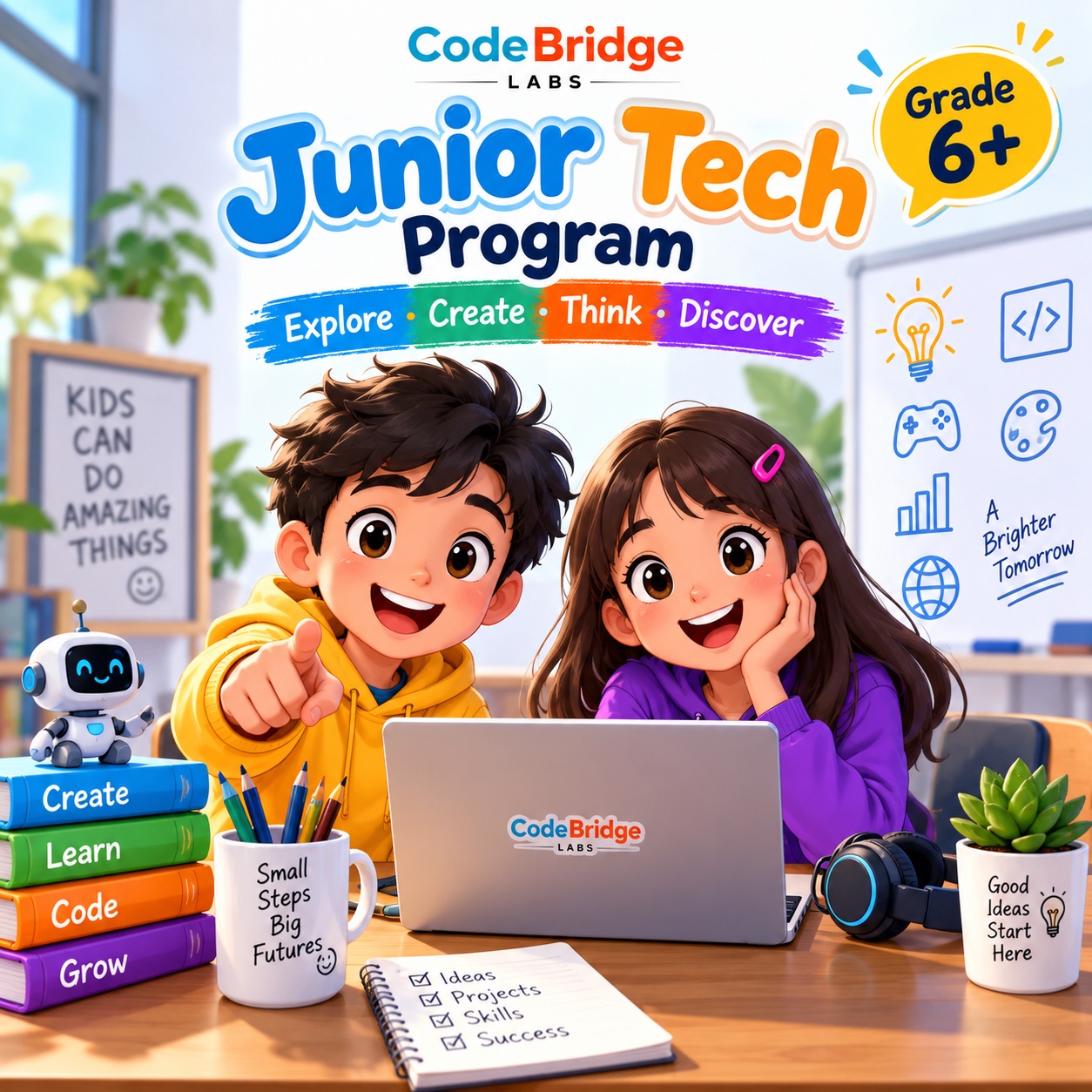
Explore • Create • Think • Discover
Junior Tech focuses on active learning rather than depending only on lectures or memorisation.
Explore
Discover new digital tools, technologies and possibilities through guided demonstrations and activities.
Create
Turn ideas into documents, presentations, designs, animations, games and other digital projects.
Think
Develop logical and critical thinking through practical challenges and scenario-based problem solving.
Discover
Build confidence and discover areas of technology that genuinely interest and motivate the student.
Build Skills That Support Future Learning
The program is designed to strengthen broader abilities that students can use in school, future education and everyday life.
Logical Thinking
Learn to analyse information and approach problems step by step.
Creativity
Turn ideas into visual, interactive and digital projects.
Digital Confidence
Become more comfortable using technology for useful purposes.
Problem Solving
Explore different solutions and learn from practical challenges.
Give Your Child Skills That Go Beyond Exams
Technology is likely to be part of almost every career today's students enter in the future. Junior Tech is not designed to force every child to become a programmer.
Instead, the program helps develop digital confidence, creativity, logical thinking, safety awareness and practical technology skills that can support many different future paths.
Whether your child eventually chooses engineering, medicine, business, science, design, finance, entrepreneurship or another field, understanding technology can become an important advantage.
Physical & Online Classes
Students can join according to available intake schedules and learning preferences.
Physical Classes
Interactive instructor-led learning with direct guidance and practical classroom activities.
Online Classes
Structured remote learning for students who prefer or require online participation.
Group Learning
Learn alongside other students through engaging, collaborative activities.
Start the Junior Tech Journey
Register your child for the next intake and our team will contact you with the available class schedule and next steps.
Onwards
or Online
Group Classes
Future-Focused
Questions About Junior Tech
What age or grade is this program for?
Does my child need previous coding experience?
Is this the same as the school ICT syllabus?
Can students following international syllabuses join?
Will students learn coding?
Will students learn about AI?
Are physical and online classes available?
Help Your Child Go Beyond the Syllabus.
Give them the opportunity to explore technology, create with confidence, think logically and discover skills that can support their future.